
The Core Syntax: Pipes & Hyphens
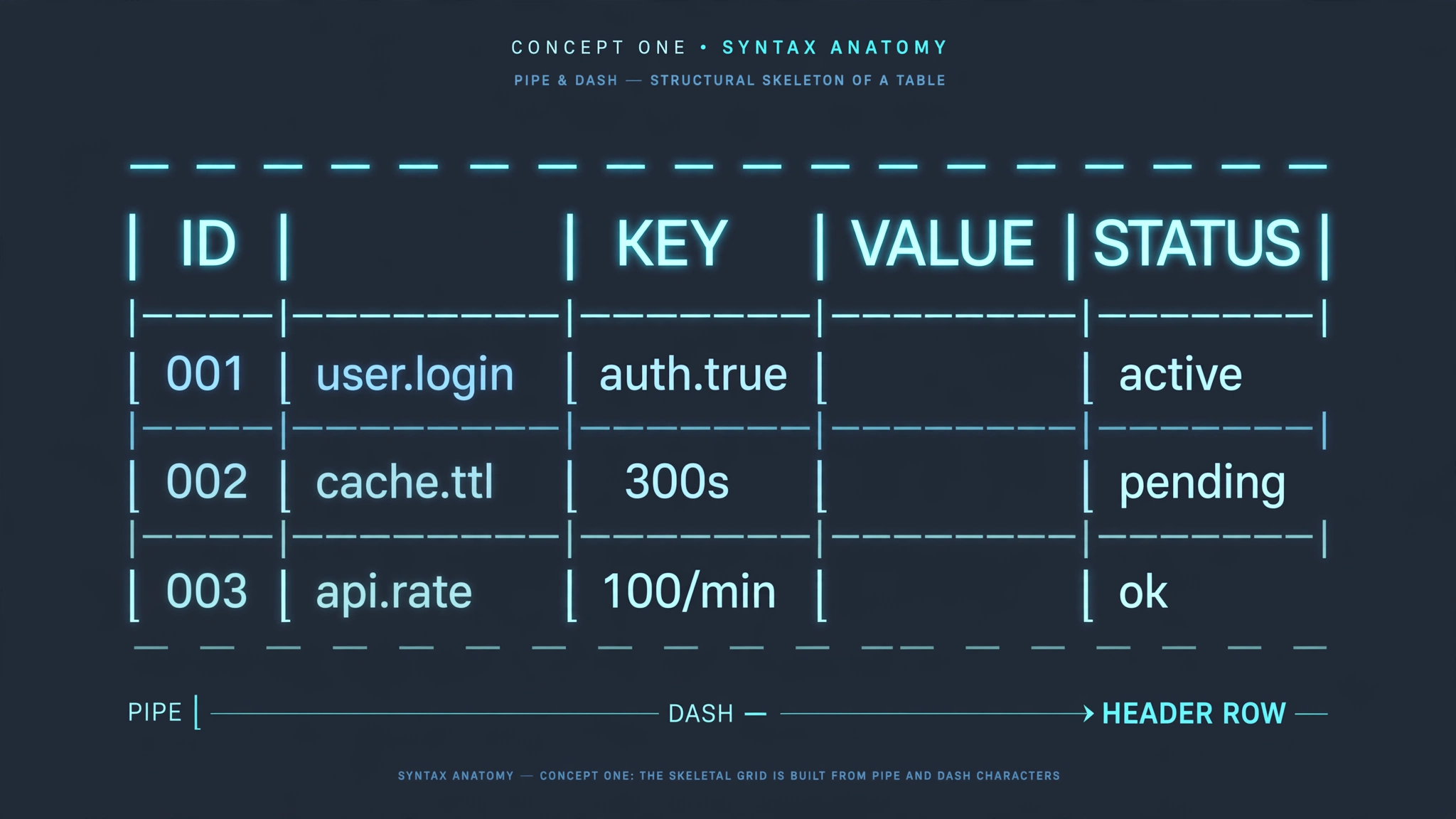
In GitHub Flavored Markdown (GFM) and CommonMark extensions, tables are constructed using two primary characters:
- Pipes (
|): Separate columns. - Hyphens (
-): Define the mandatory header delimiter row.
Here is the minimum viable markdown table:
| Item | Category | Price |
| --- | --- | --- |
| Apple | Fruit | $1.00 |
| Bread | Bakery | $2.50 |
The second line (the delimiter row) is mandatory. Without it, markdown parsers treat the text as an ordinary paragraph rather than a table structure.
Controlling Column Alignment (Left, Center, Right)

You can specify text alignment across an entire column by placing colons (:) on the delimiter row:
| Left Aligned | Center Aligned | Right Aligned |
| :--- | :---: | ---: |
| Text aligns left | Text is centered | Numbers align right |
| Short | Medium length | 1,492.00 |- Left align (
:---): Colon on the left (default behavior). - Center align (
:---:): Colons on both ends. - Right align (
---:): Colon on the right (ideal for currencies, numbers, and dates).
Escaping Special Characters Inside Cells

Because pipes (|) demarcate cell boundaries, placing a literal pipe inside your text will break the table layout:
<!-- BROKEN TABLE: The unescaped pipe creates an accidental 4th column -->
| Command | Action |
| ls | grep foo | Filters files |

<!-- CORRECTED TABLE: Escape with a backslash or entity -->
| Command | Action |
| ls \| grep foo | Filters files |
To insert line breaks within a single cell, use the HTML <br> tag:
| Feature | Details |
| Compression | Lossy mode<br>Lossless mode |
Convert your markdown documentation to clean, semantic HTML instantly with ToolDolfen's Markdown to HTML converter.


Recommended Companion Guides
Explore complementary tutorials and utilities from this topic cluster to enhance your digital workflow: