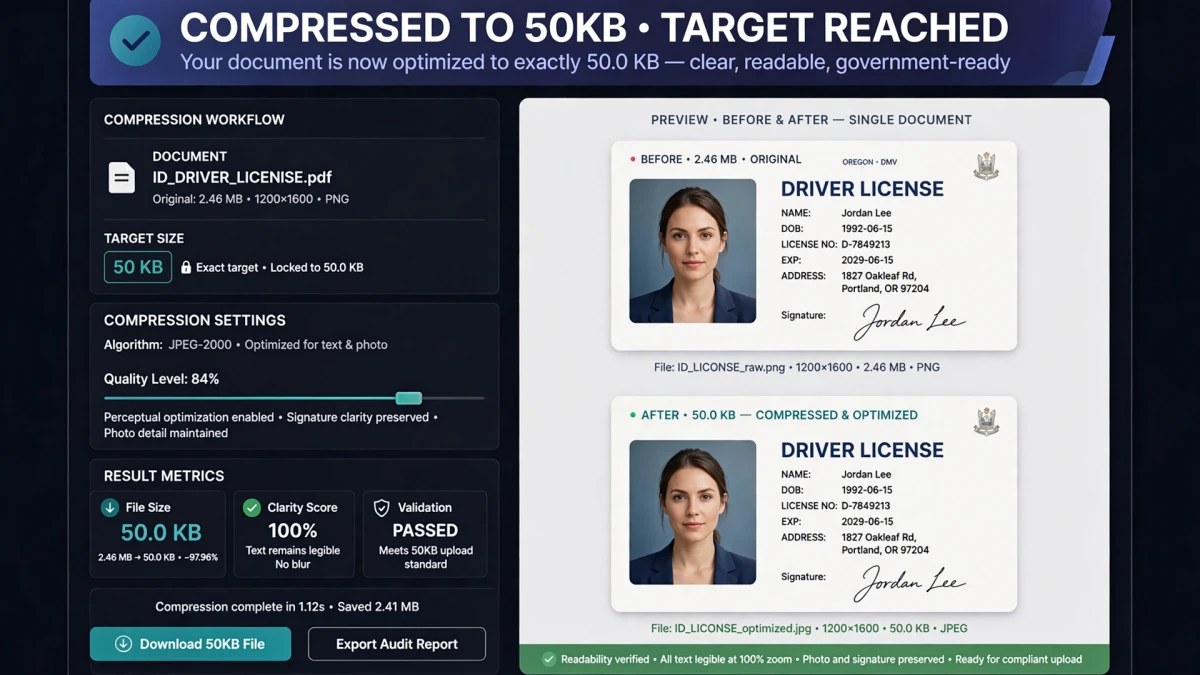
Why 50KB is the Common Signature Size Limit
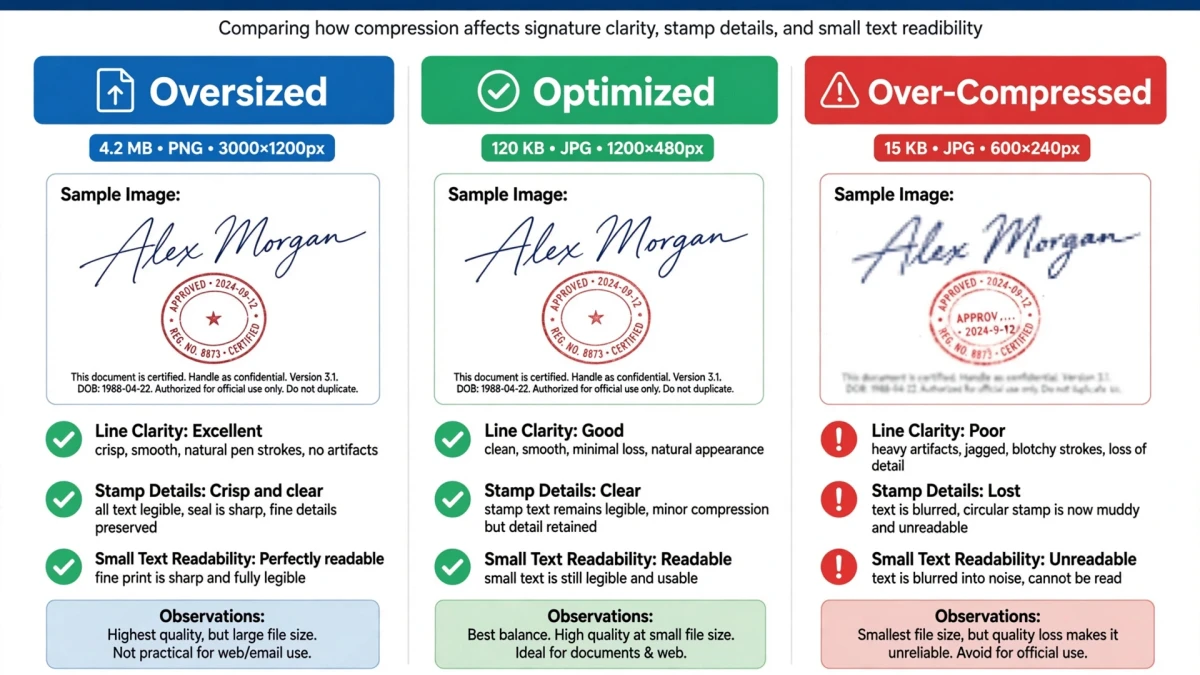
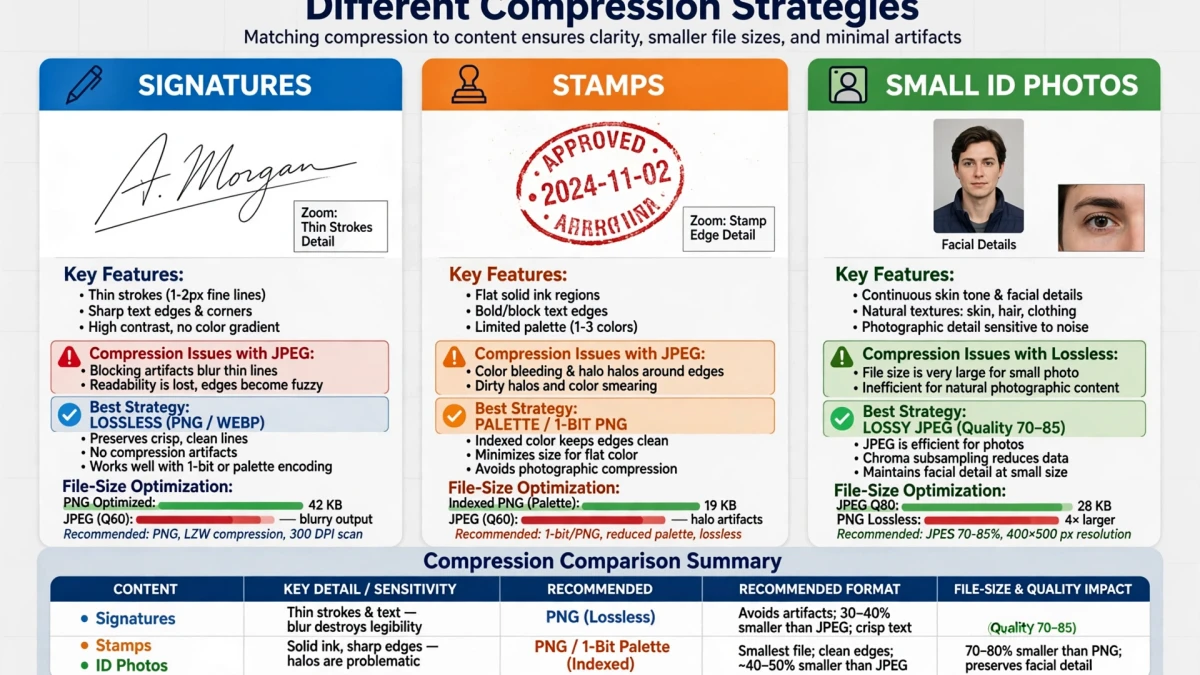
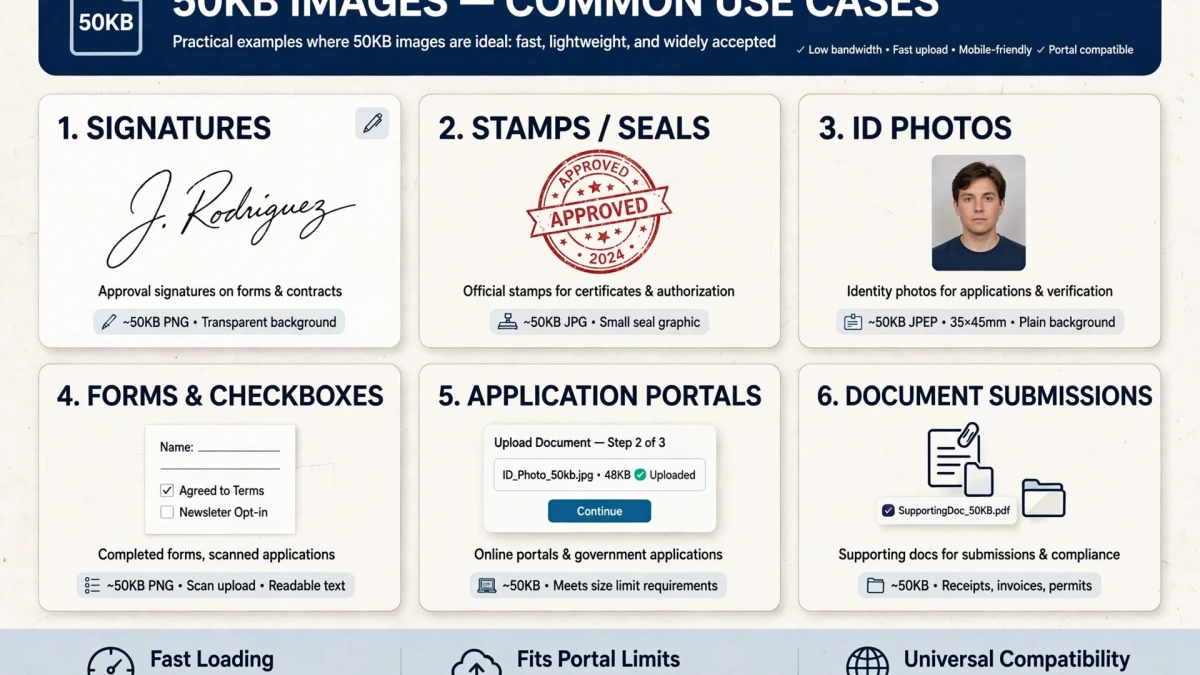
Government portals and exam registrations frequently require two uploads:
- A passport-style photo (typically 100KB–200KB, 200×200 to 600×600 pixels)
- A scanned signature (typically 20KB–50KB, 140×60 to 200×60 pixels)
The signature limit is much stricter because:
- Signatures are simple black-on-white content with minimal color information
- Small dimensions are required to fit in standard document fields
- 50KB is more than sufficient for a clear, readable signature at appropriate dimensions
Standard signature requirements on Indian government portals:
- UPSC: 140×60 pixels, under 30KB
- IBPS: 140×60 pixels, 10–20KB
- SSC CGL: 140×60 pixels, under 50KB
- Indian Army recruitment: 140×60 pixels, under 50KB
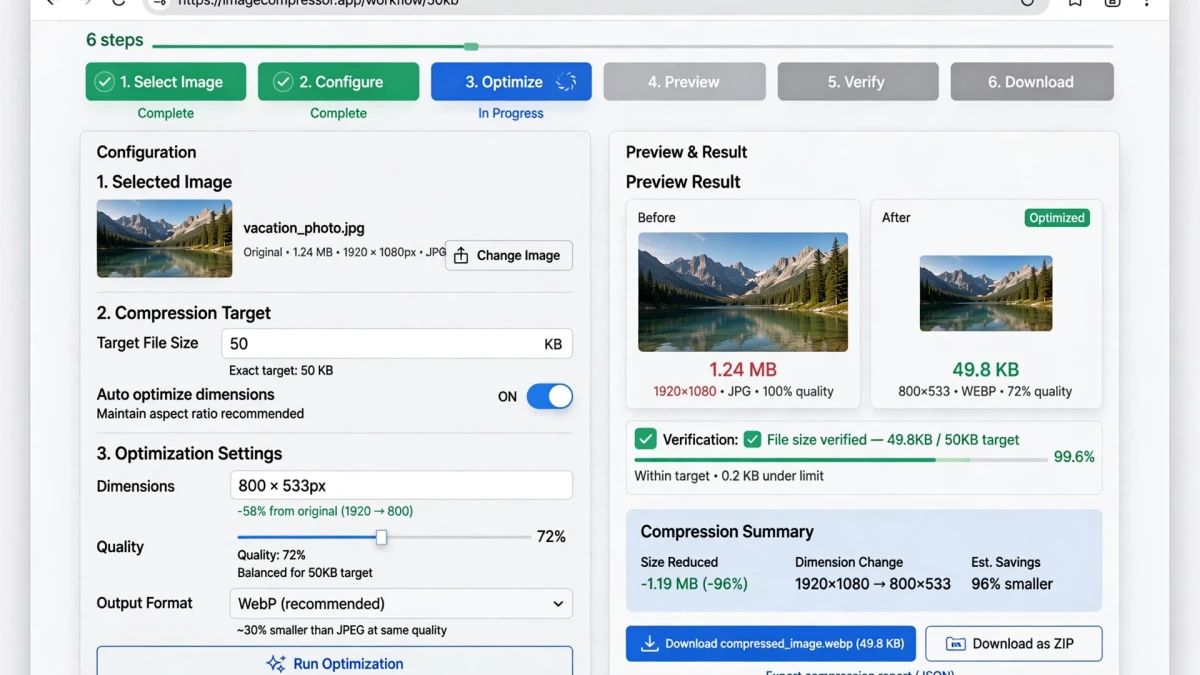
Step-by-Step: Compressing to 50KB on ToolDolfen
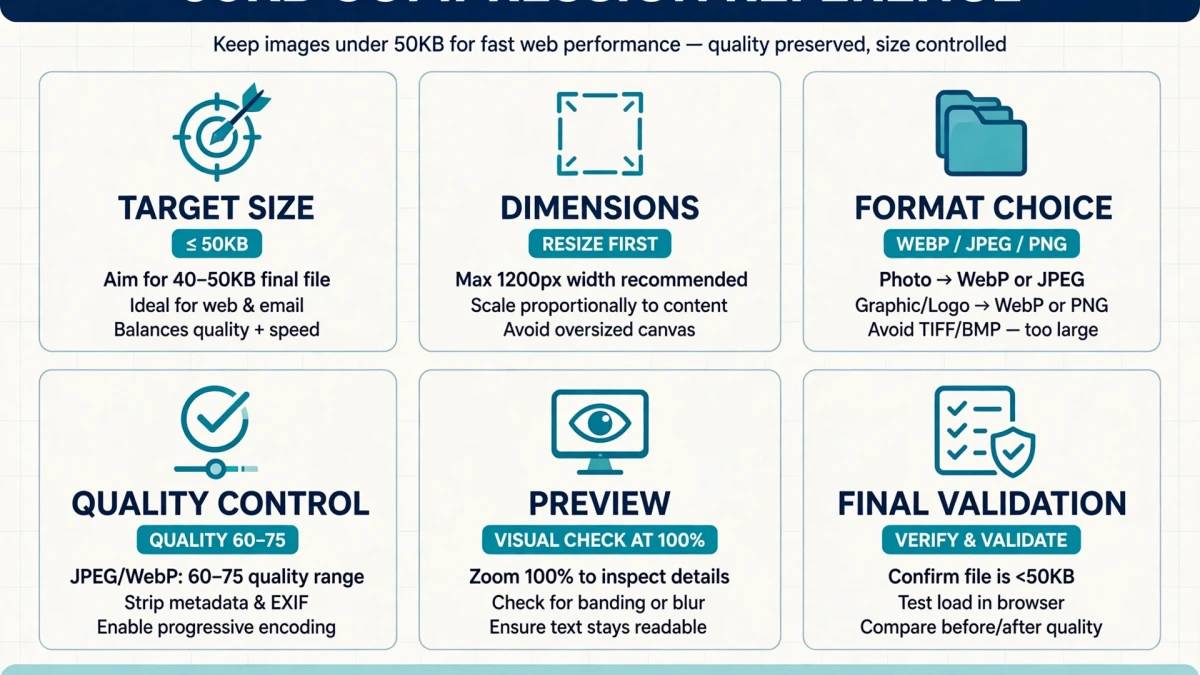
For scanned signatures:
- Scan or photograph your signature on white paper
- Crop to the signature area using the Image Cropper
- Resize to the required dimensions (e.g., 140×60 pixels) using the Image Resizer
- Open Compress to 50KB and upload
- Download — at 140×60 pixels, the result will likely be under 20KB with excellent sharpness
For passport-style photos at 50KB:
- Resize to required dimensions (e.g., 400×400 or 200×200 pixels)
- Upload to Compress to 50KB
- Download
Signatures vs. Photos: Different Approaches to 50KB
| Content Type | Strategy | Expected Result |
|---|---|---|
| Black ink signature on white | Resize to 140×60, then compress | Very sharp, under 20KB easily |
| Passport photo | Resize to 200×200, then compress | Sharp at quality 70–80, ~40–50KB |
| Color document scan | Resize and convert to grayscale first | Smaller file, preserves readability |
| Digital signature (PNG) | Compress PNG directly | May compress further with palette reduction |
Recommended Companion Guides
Explore complementary tutorials and utilities from this topic cluster to enhance your digital workflow:
Compress Photo to 200KB for Visa Applications and Competitive ExamsPractical step-by-step tutorial with verified standards and in-browser workflows.How to Compress SVG Files & Clean XML Metadata Without Quality LossPractical step-by-step tutorial with verified standards and in-browser workflows.How to Compress Images Online Without Losing QualityPractical step-by-step tutorial with verified standards and in-browser workflows.How to Crop Images for Perfect Social Media Banners & ProfilesComplementary cross-format workflow connecting related data and media tools.