
When to Convert WebP to PNG
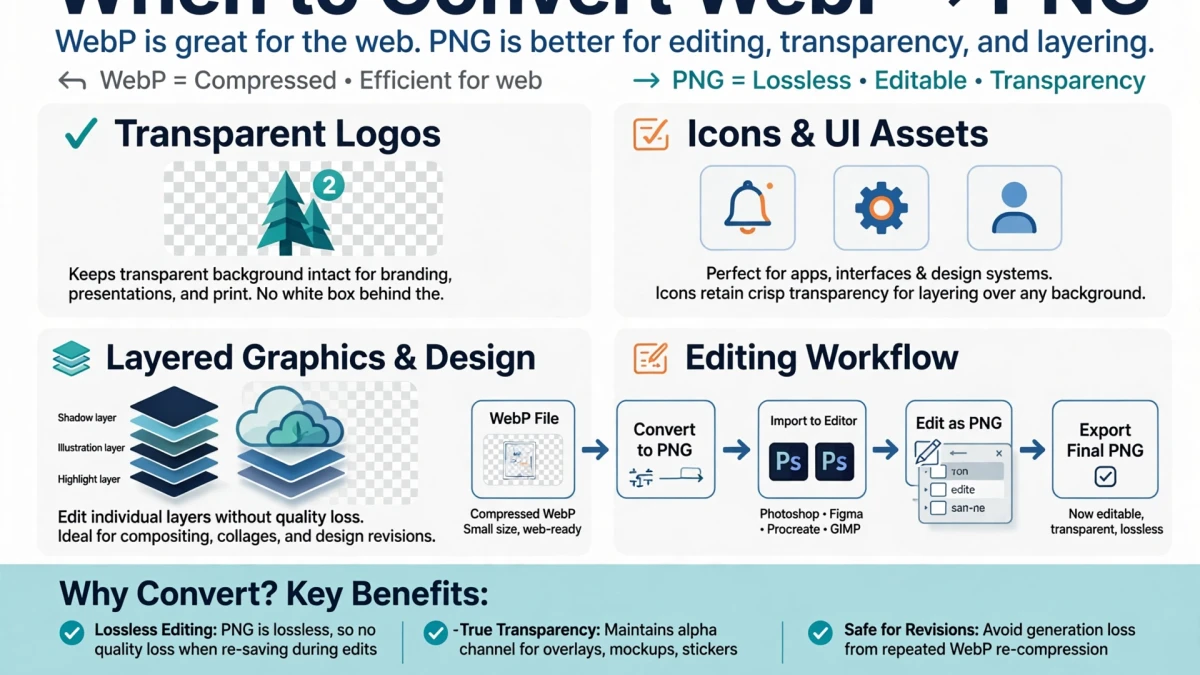
WebP is excellent for web delivery, but PNG is better suited for several specific scenarios:
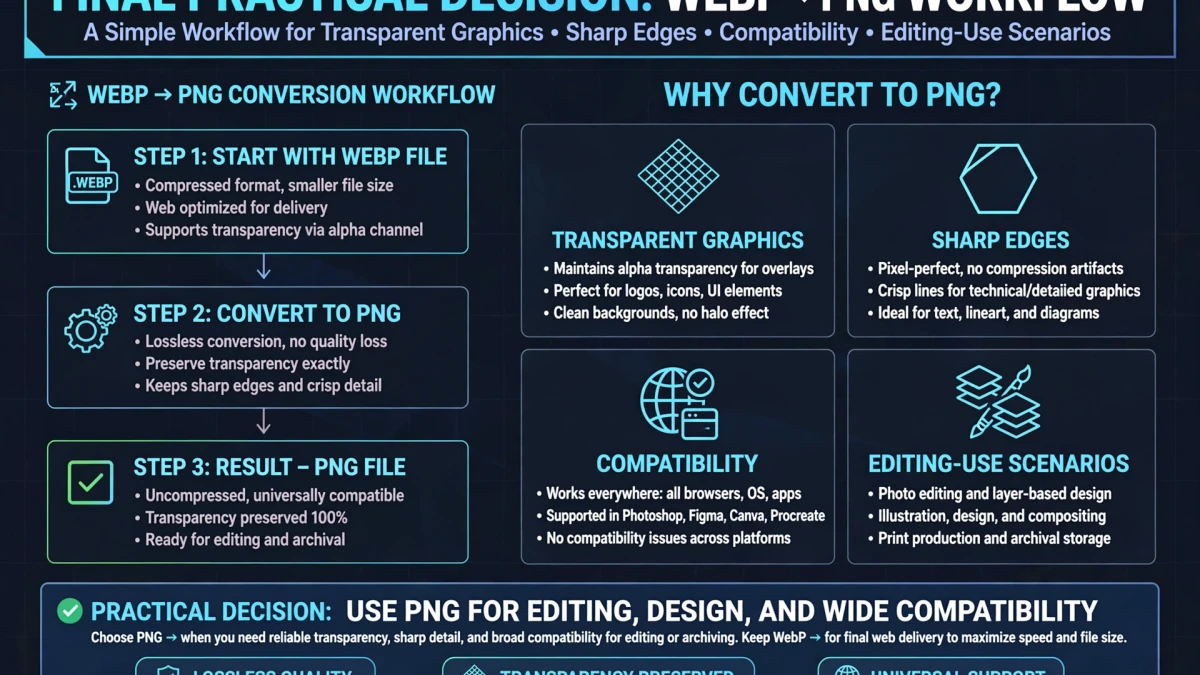
Edit in design software: Most image editing applications (Photoshop, GIMP, Affinity Photo, Canva) have better support for PNG than WebP. Converting WebP to PNG gives you a compatible, editable file.
Lossless archiving: PNG is a widely-supported archival format for graphics. If you want to preserve a WebP graphic as a long-term archival asset, PNG is a more universally supported choice.
Submitting to services that require PNG: Some platforms, APIs, and services specifically require PNG input (e.g., some print-on-demand services, certain app stores for icon submissions).
Software compatibility: If your PNG-required context requires a specific image and you only have a WebP version, this converter bridges the gap.
Step-by-Step: WebP to PNG on ToolDolfen
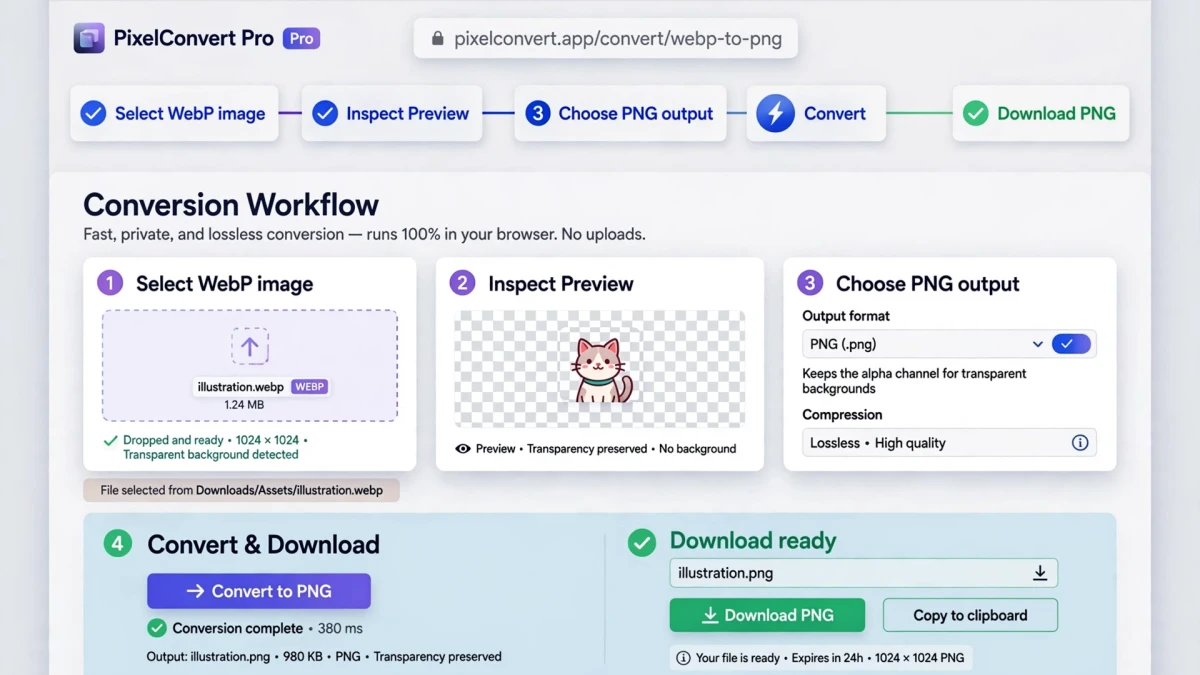
- Open the ToolDolfen WebP to PNG converter.
- Upload your WebP file — processing runs locally in your browser.
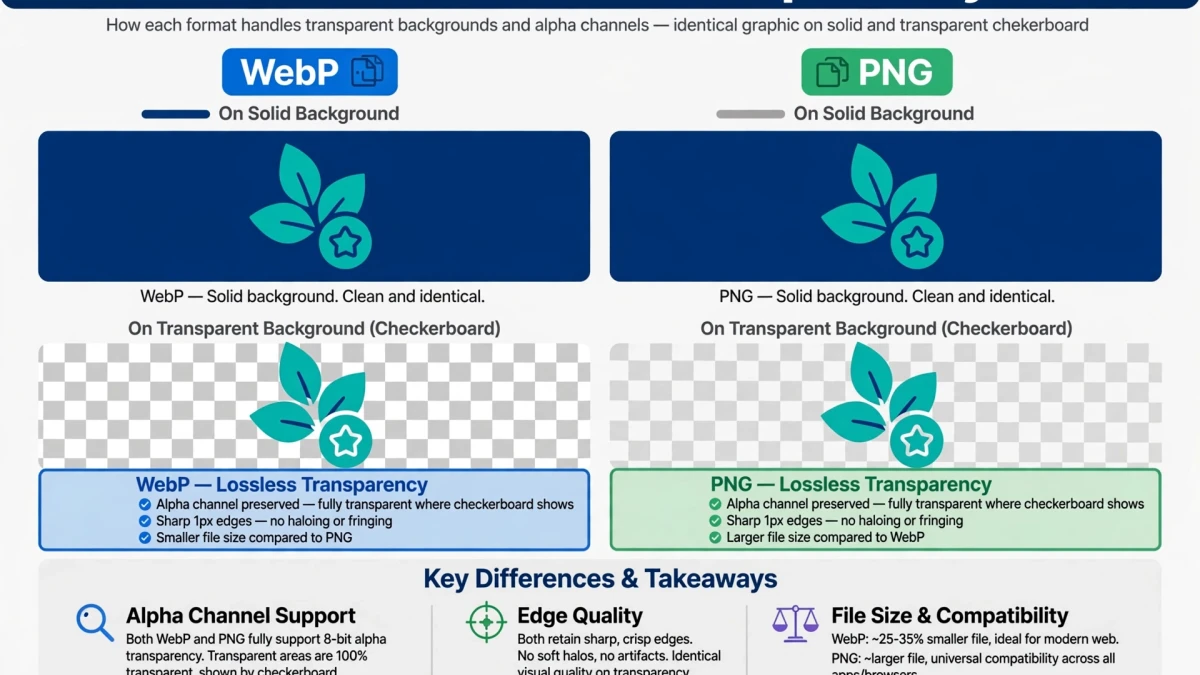
- Download the converted PNG. If the original WebP had transparency (alpha channel), it is fully preserved in the PNG output.
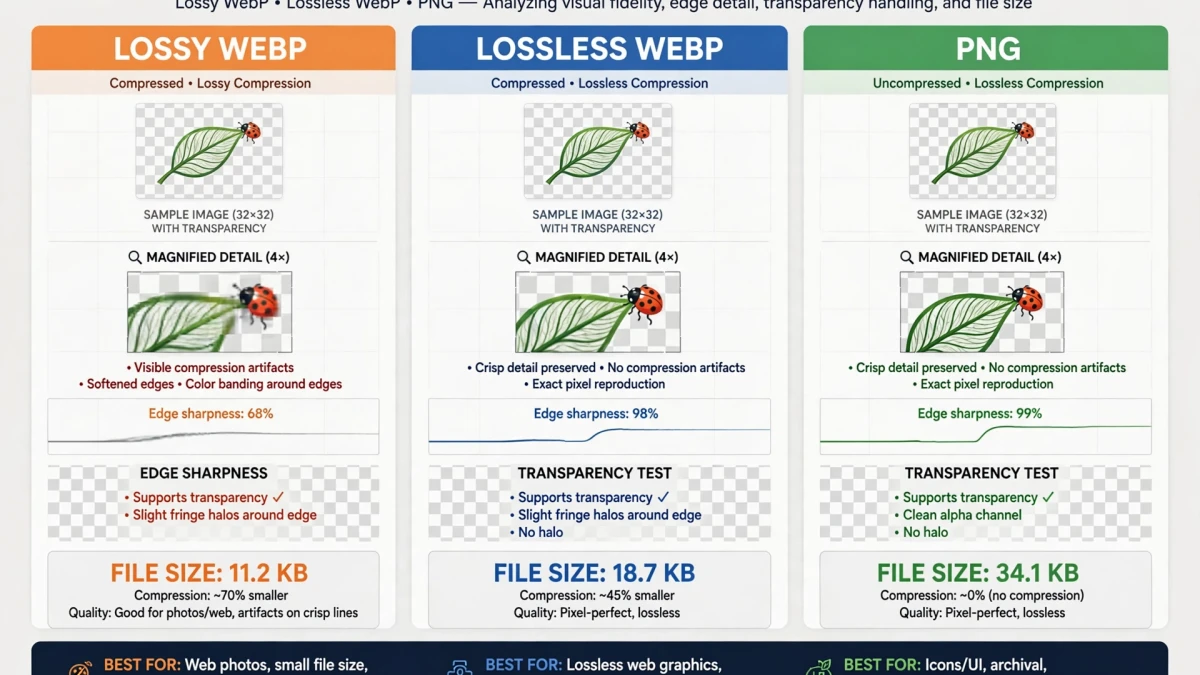
Note on file size: The resulting PNG will typically be significantly larger than the original WebP, because PNG stores pixel data more verbosely. This is expected and correct behavior — you are trading file size for maximum compatibility and lossless storage.
Recommended Companion Guides
Explore complementary tutorials and utilities from this topic cluster to enhance your digital workflow: