
Why Privacy Matters When Merging PDFs
Most popular online PDF mergers — Smallpdf, ILovePDF, and similar services — require you to upload your documents to their cloud servers. For many files this is acceptable, but consider what you might be uploading:
- Legal contracts with signatures and financial terms
- Medical records with personal health information
- Tax documents with Social Security Numbers and financial data
- Business proposals with proprietary pricing
- HR documents with employee personal information
These files should not leave your device and transit through third-party servers, even temporarily.
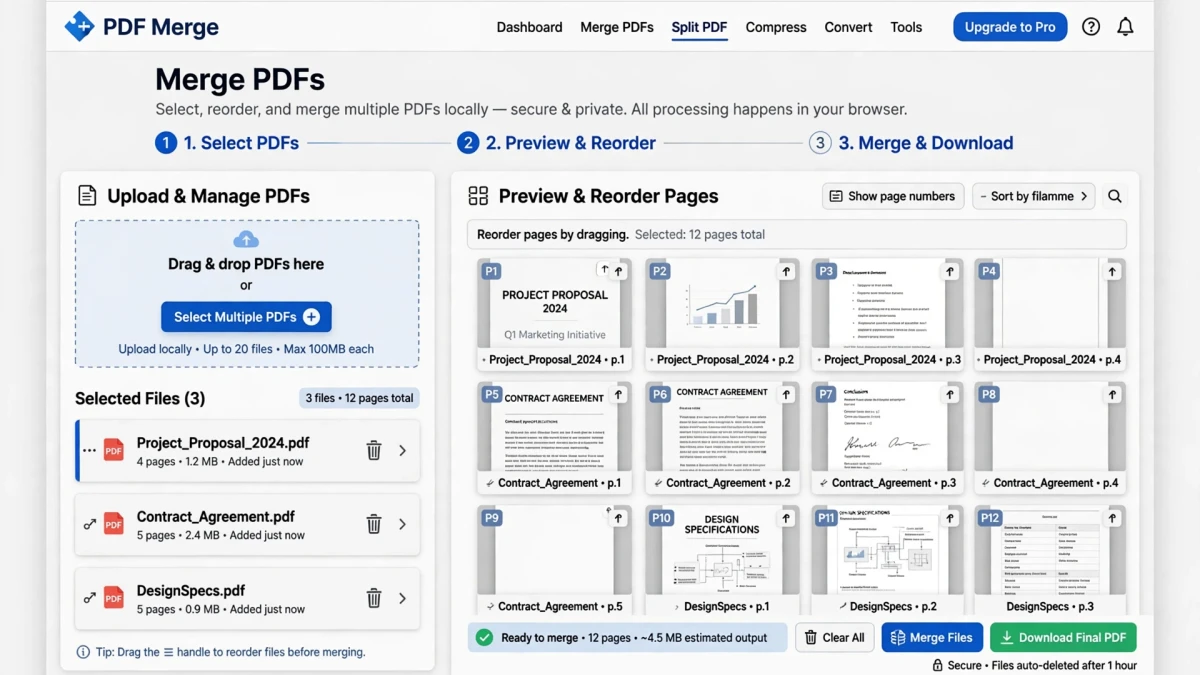
ToolDolfen's Merge PDF uses pdf-lib — a JavaScript library that runs entirely in your browser. Your PDF files are opened, processed, and recombined using your device's own CPU, with zero bytes transmitted to any server.
Browser-Based vs Cloud-Based PDF Merging
| Feature | ToolDolfen (Browser-Based) | Cloud Services |
|---|---|---|
| Privacy | ✅ Files never leave your device | ❌ Files uploaded to external servers |
| Speed | ✅ Instant local processing | ❌ Upload + process + download latency |
| File size limit | Limited by device memory | Usually 50–200MB |
| Internet required | Only to load the tool | Yes, for entire process |
| Account required | ❌ None | Often required |
| Cost | ✅ Free | Often freemium |
Step-by-Step: Merging PDFs on ToolDolfen
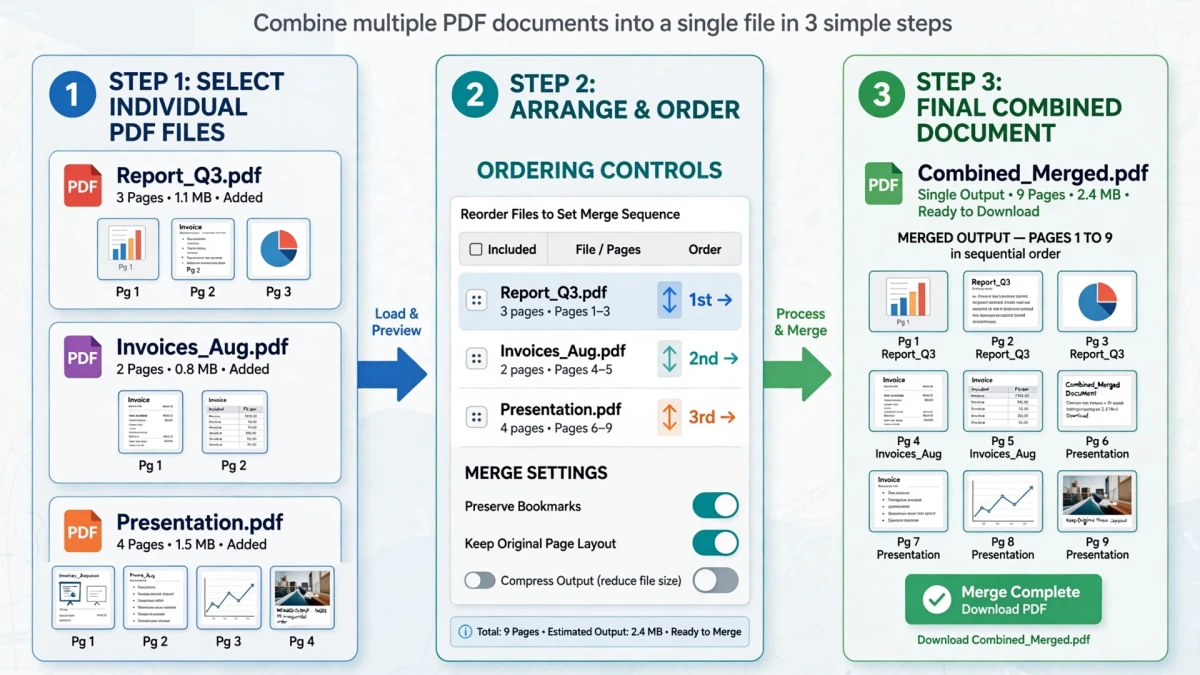
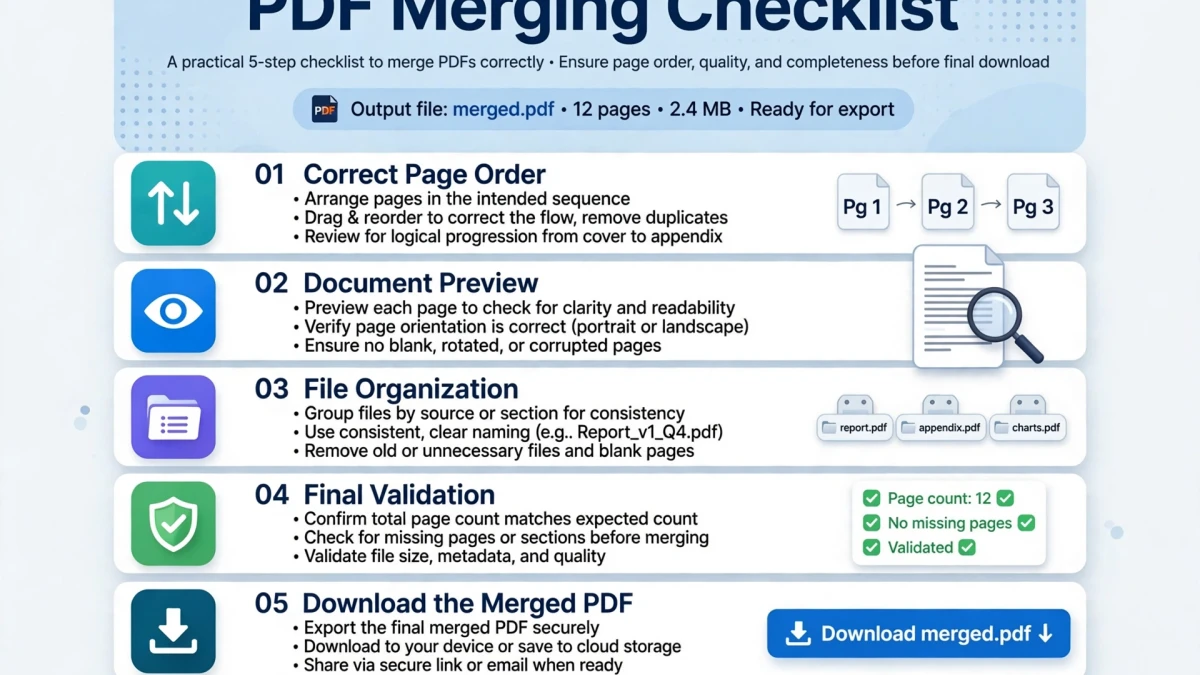
- Open the PDF結合ツール (Merge PDF) tool.
- Click Add PDFs or drag and drop multiple PDF files into the upload area.
- The tool displays thumbnail previews of each PDF's first page.
- Drag the thumbnails to arrange your preferred order.
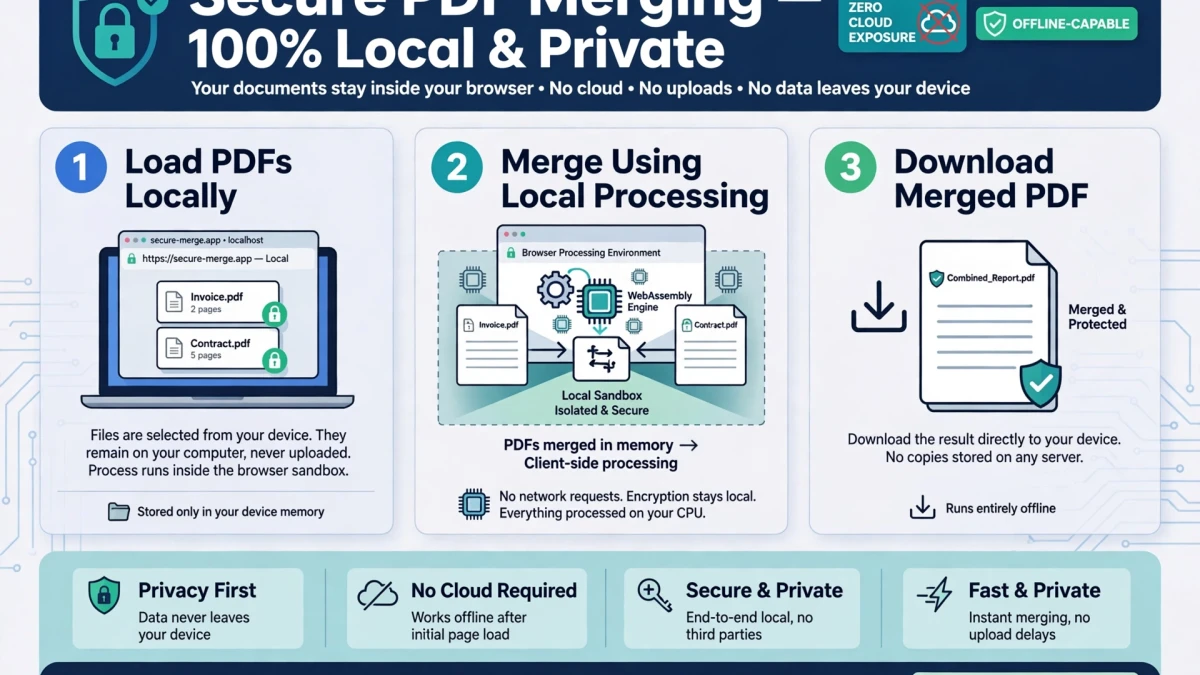
- Click Merge PDFs — the combination happens instantly in your browser.
- Download the merged PDF file.
Page Ordering and Preserving PDF Quality
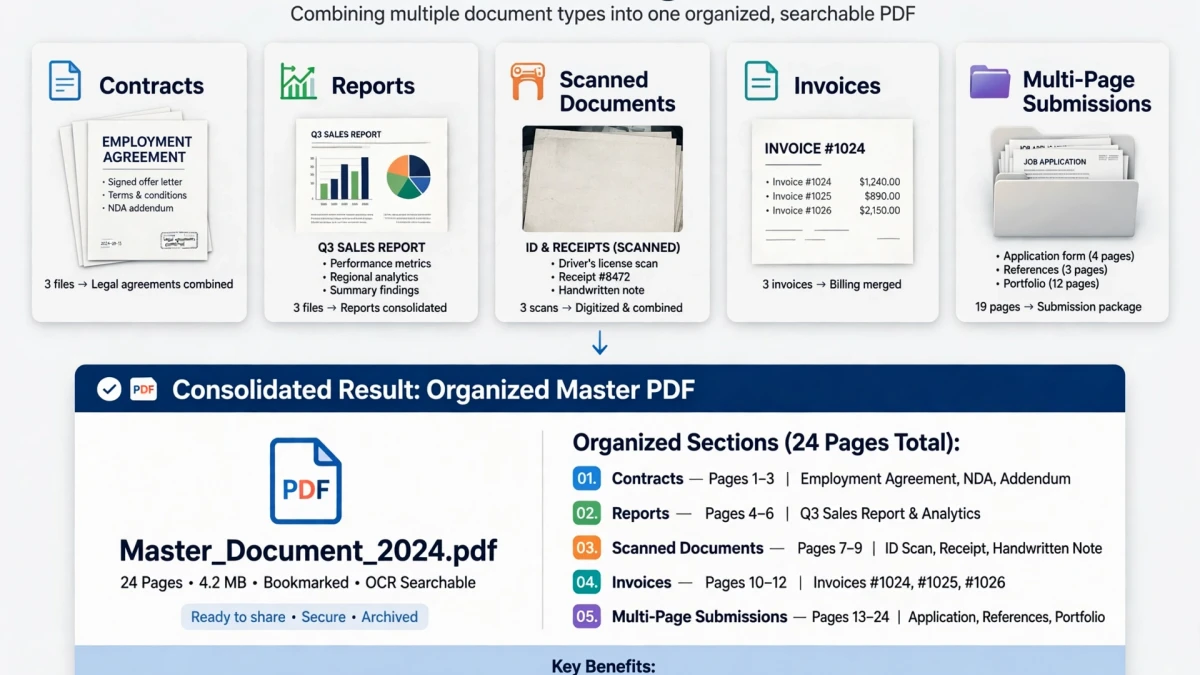
File ordering matters: The PDFs are merged in the sequence displayed. Arrange them in your desired document order before clicking Merge.
Quality preservation: ToolDolfen's merge preserves the original PDF page content (text, images, vectors) without recompression. Page quality is identical to the original individual files.
After merging: If the combined PDF is large for email attachment, use the PDF圧縮ツール (Compress PDF) tool to reduce file size while maintaining readability.
Recommended Companion Guides
Explore complementary tutorials and utilities from this topic cluster to enhance your digital workflow: