
HEX Color Model: #RRGGBB Notation Explained
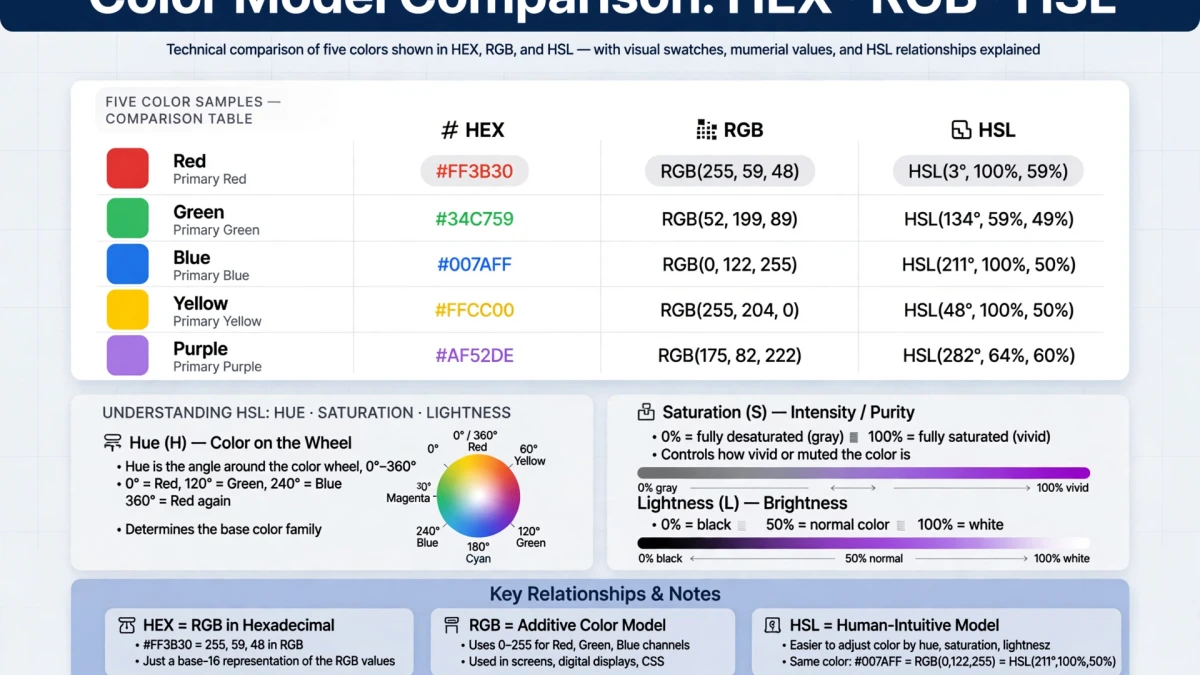
HEX color notation is a hexadecimal shorthand for RGB values. The format is #RRGGBB where:
- RR = red channel (00 to FF = 0 to 255)
- GG = green channel (00 to FF = 0 to 255)
- BB = blue channel (00 to FF = 0 to 255)
| Color | HEX | Meaning |
|---|---|---|
| Pure red | #FF0000 | R=255 G=0 B=0 |
| Pure green | #00FF00 | R=0 G=255 B=0 |
| Pure blue | #0000FF | R=0 G=0 B=255 |
| White | #FFFFFF | R=255 G=255 B=255 |
| Black | #000000 | R=0 G=0 B=0 |
| ToolDolfen blue | #3B82F6 | R=59 G=130 B=246 |
Shorthand HEX: When both digits are identical for each channel, a 3-character shorthand works: #F00 = #FF0000.
RGB Color Model: Red, Green, Blue Channels
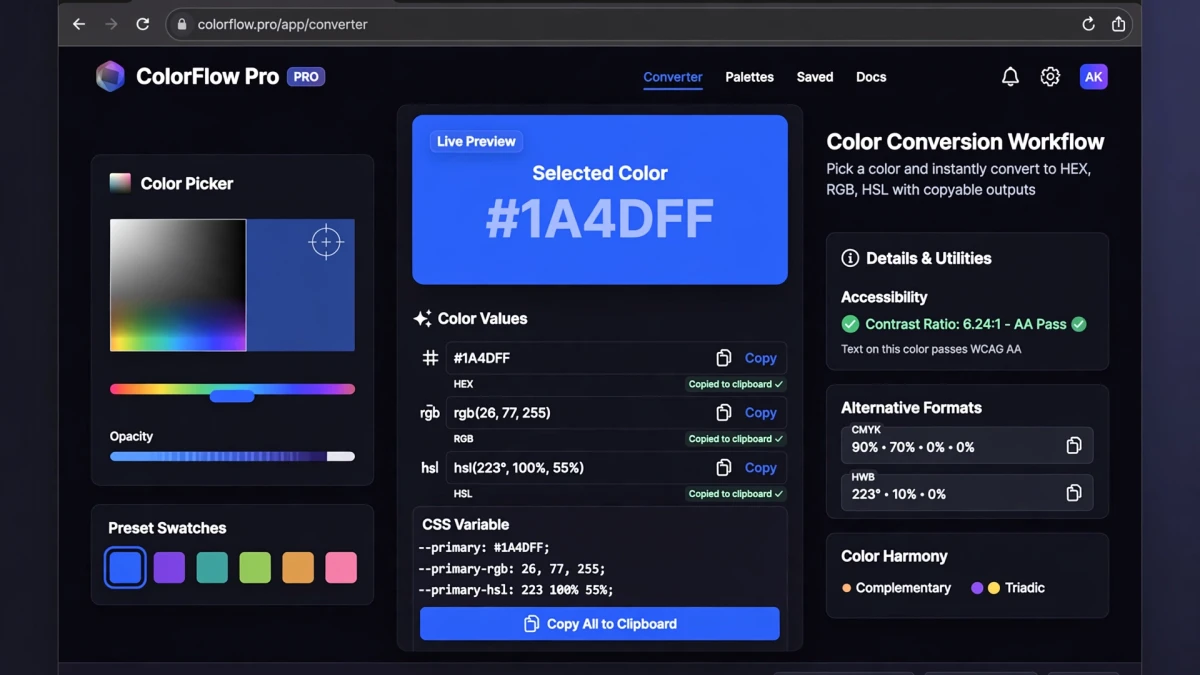
rgb(red, green, blue) — each channel ranges from 0 to 255.
RGB is an additive color model — adding channels together moves toward white. This is how light works (TV screens, monitors).
In CSS:
color: rgb(59, 130, 246);     /* Blue */
color: rgba(59, 130, 246, 0.5); /* Blue at 50% opacity */
HSL Color Model: Hue, Saturation, Lightness

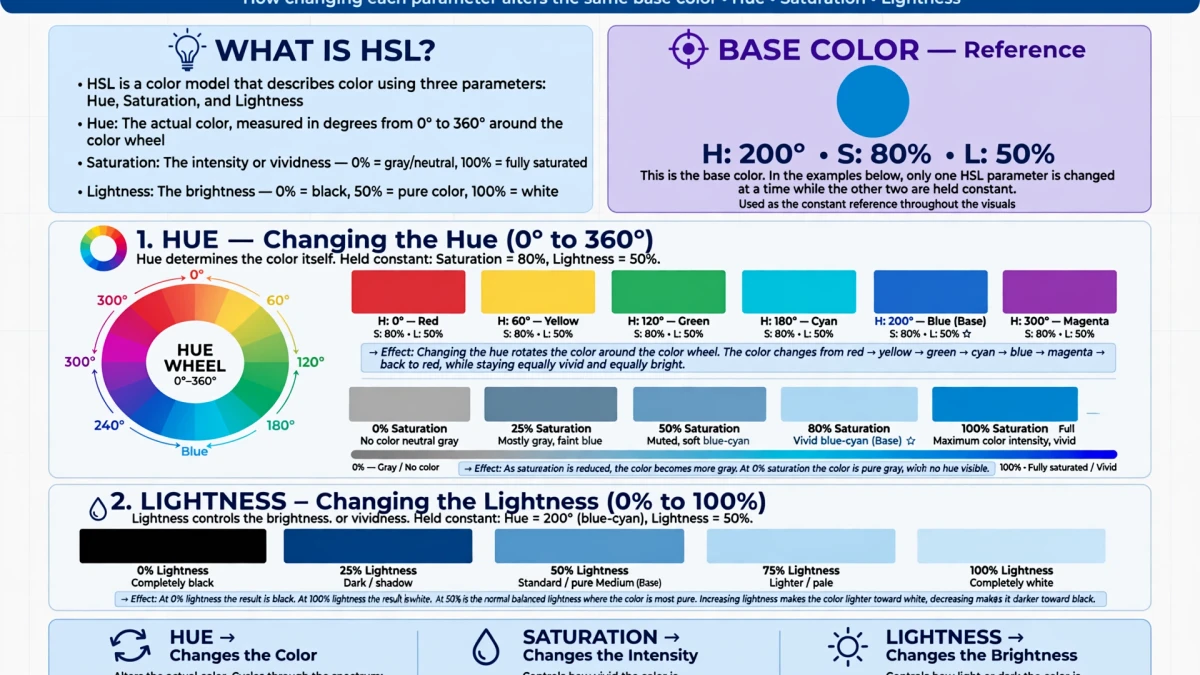
HSL separates color into three perceptually meaningful dimensions:
- Hue (0–360°): The color itself — red at 0°, green at 120°, blue at 240°
- Saturation (0–100%): Color intensity — 0% is gray, 100% is pure vivid color
- Lightness (0–100%): Brightness — 0% is black, 100% is white, 50% is the purest color
In CSS:
color: hsl(217, 91%, 60%);      /* Blue */
color: hsla(217, 91%, 60%, 0.5); /* Blue at 50% opacity */
Designer workflow advantage: To create a 5-shade palette from a single color:
- 90% lightness → very light tint
- 75% lightness → light tint
- 50% lightness → base color
- 35% lightness → dark shade
- 20% lightness → very dark shade
Just adjust the L value while keeping H and S constant.
When to Use HEX, RGB, or HSL in CSS
Use HEX: For single-color references where you need the value from a design system or brand guide. HEX is the most common format in design specs.
Use RGB: When you need to dynamically manipulate color channels in JavaScript: rgb(${r}, ${g}, ${b}).
Use HSL: When building theme systems, generating palettes dynamically, or working with CSS custom properties for accessible light/dark mode switching.
Converting Colors on ToolDolfen

Use the ToolDolfen Color Picker to:
- Pick any color visually on a color wheel and spectrum
- Enter any HEX, RGB, or HSL value and instantly see all three format equivalents
- Copy any format to clipboard with one click
- Use the eyedropper to sample colors from your screen (Chrome and Edge only)
Recommended Companion Guides
Explore complementary tutorials and utilities from this topic cluster to enhance your digital workflow: