
The Mathematical 33% Byte Inflation Penalty
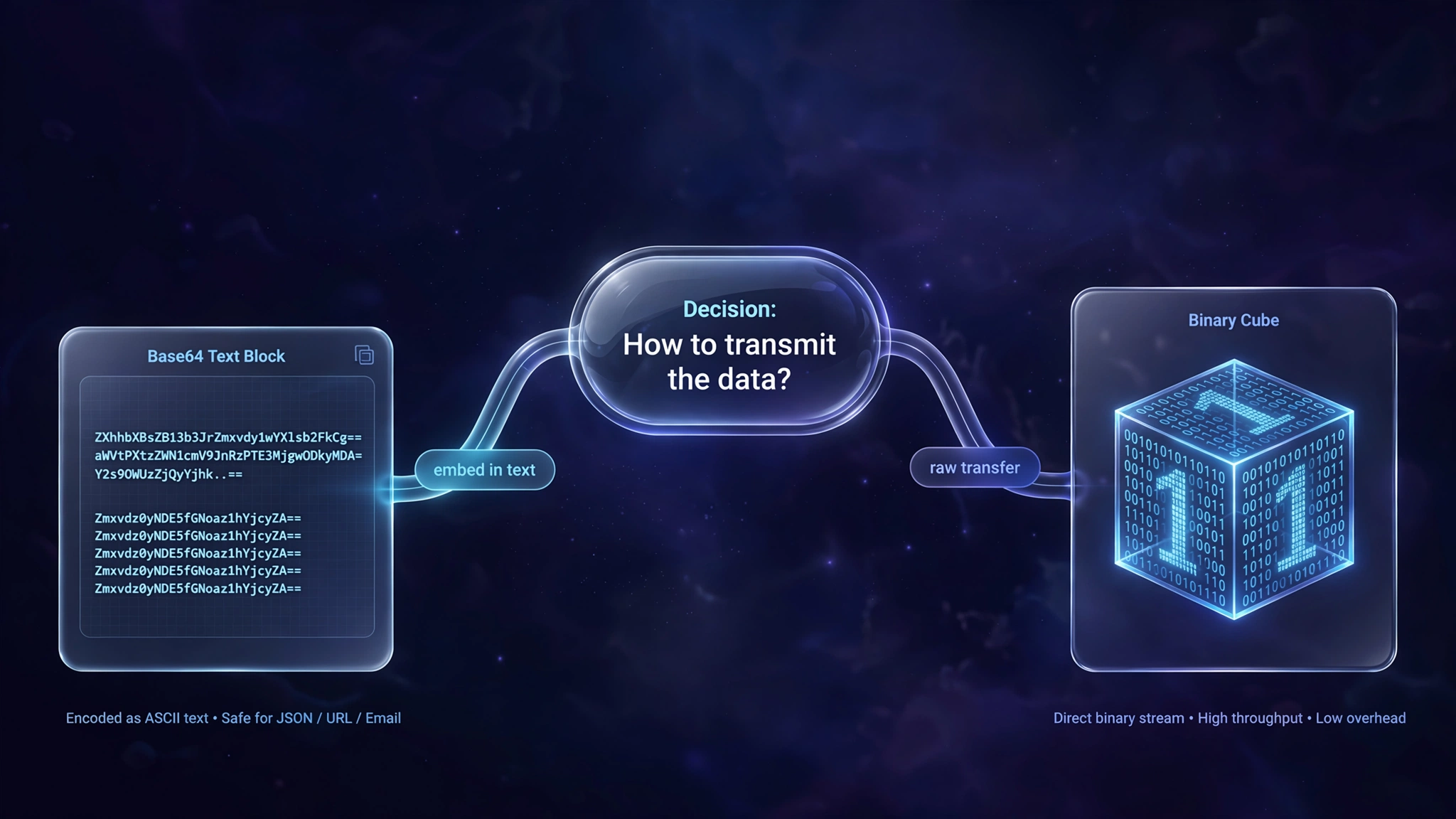
In web development, you often encounter Base64 encoded strings in Data URIs (e.g. data:image/png;base64,iVBORw0KGgo...). The promise is tempting: embed the asset directly into HTML or CSS to save an HTTP request roundtrip.
However, Base64 comes with an inescapable physical byte penalty:
- A raw binary byte consists of 8 bits of information ($2^8 = 256$ possible values).
- Text protocols (like email or early HTTP) could not reliably transmit raw 8-bit bytes without corrupting control characters.
- Base64 solves this by choosing 64 safe ASCII characters (A-Z, a-z, 0-9,
+,/), where each character represents 6 bits ($2^6 = 64$).
To encode 24 bits of binary data (3 bytes), the algorithm must emit 4 ASCII characters (24 bits).
$$\frac{4 \text{ characters}}{3 \text{ bytes}} = 1.3333...$$
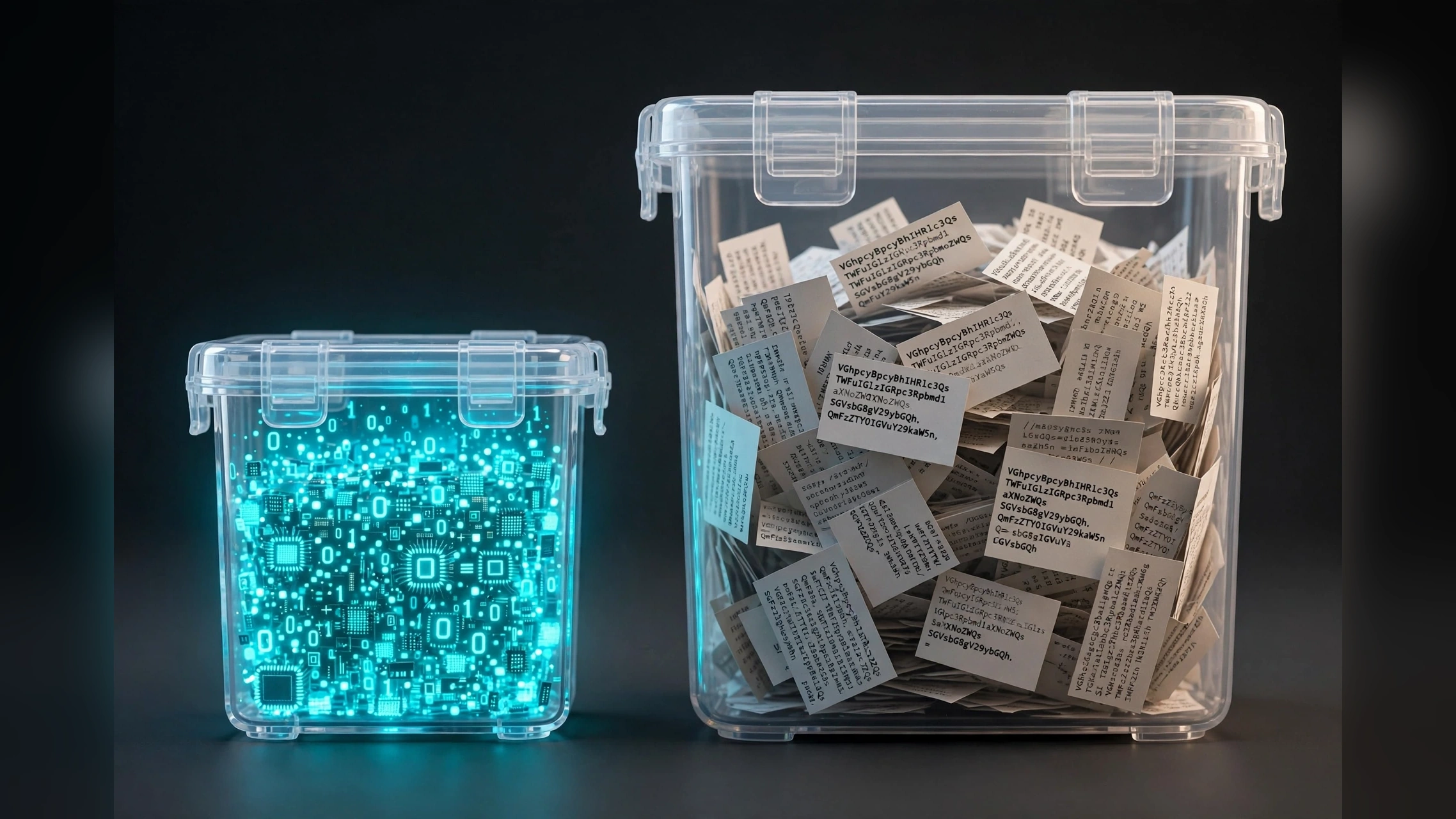
Every Base64 asset is guaranteed to be at least 33.3% larger than the source file before transmission headers are calculated.
When Base64 Data URIs Actually Make Sense

Despite the size penalty, Base64 inlining is architecturally justified in specific scenarios:
- Critical Above-the-Fold Micro-Icons: Inlining a 200-byte SVG logo icon into critical CSS prevents a visible flash of unstyled icon (FOIC).
- Offline Data Storage: Storing user signatures or canvas exports locally in
localStorageorIndexedDBas text strings. In contrast, heavy files like 3D meshes should remain binary; an STL to GCODE converter reads raw binary byte buffers directly to slice toolpaths without text-decoding penalties (see our guide on converting STL to GCODE online). - Email HTML Templates: Many enterprise desktop email clients (like Outlook) block external image downloads by default, but render inline Base64 graphics.
When Base64 Inlining Destroys Page Speed
Inlining images larger than 2KB to 5KB is an anti-pattern on modern websites:
- Parser Blocking: The browser's HTML and CSS parsers are single-threaded. Encountering a 50KB Base64 string halts DOM construction while decoding strings.
- Cache Invalidation: If an image is inlined in your main
index.html, modifying a single typo in a paragraph forces users to re-download the entire embedded image on their next visit. - Memory Overhead: The browser must store both the raw decoded bitmap and the Base64 string in memory simultaneously.
HTTP/2 and HTTP/3: Why Multiplexing Changed the Rules

In the era of HTTP/1.1, browsers were limited to 6 concurrent TCP connections per domain. Inlining images was a desperate hack to avoid TCP connection handshake latency.
Modern web standards (HTTP/2 and HTTP/3) solved this with multiplexing: hundreds of static assets stream concurrently over a single TCP/QUIC connection with zero head-of-line blocking. The historical motivation for Base64 inlining has virtually vanished.
Encode, decode, and benchmark your assets locally using ToolDolfen's Base64 Encoder / Decoder.

Recommended Companion Guides
Explore complementary tutorials and utilities from this topic cluster to enhance your digital workflow: